
 Get Audio+
 Hot FM
 Kool 101
 Eight FM
 Fly FM
 Molek FM
WWDC ’25 Highlights: Apple’s Future Looks a Whole Lot Sexier
 Thirsty for JUICE content? Quench your cravings on our Facebook, Instagram, TikTok and WhatsApp
Apple’s Worldwide Developer’s Conference (WWDC 2025) this year signifies what is perhaps one of the biggest overhauls in recent memory.
The brand rolled up its sleeves and dropped a lot of major upgrades; it’s the kind of keynote that makes you want to update all your Apple devices.
Here are some of our favourite WWDC 2025 highlights.
1. Liquid Glass is the glow-up we definitely needed
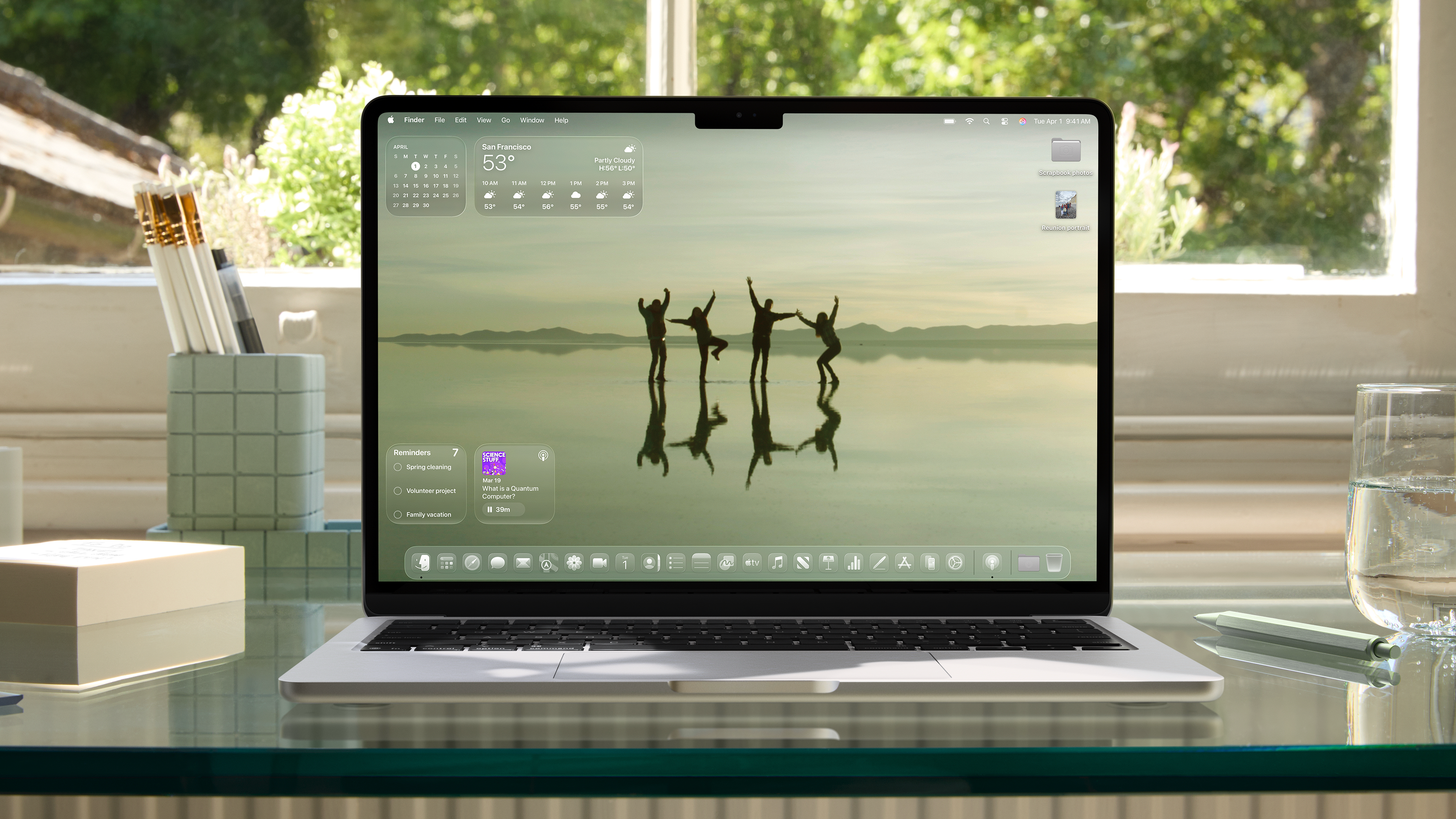
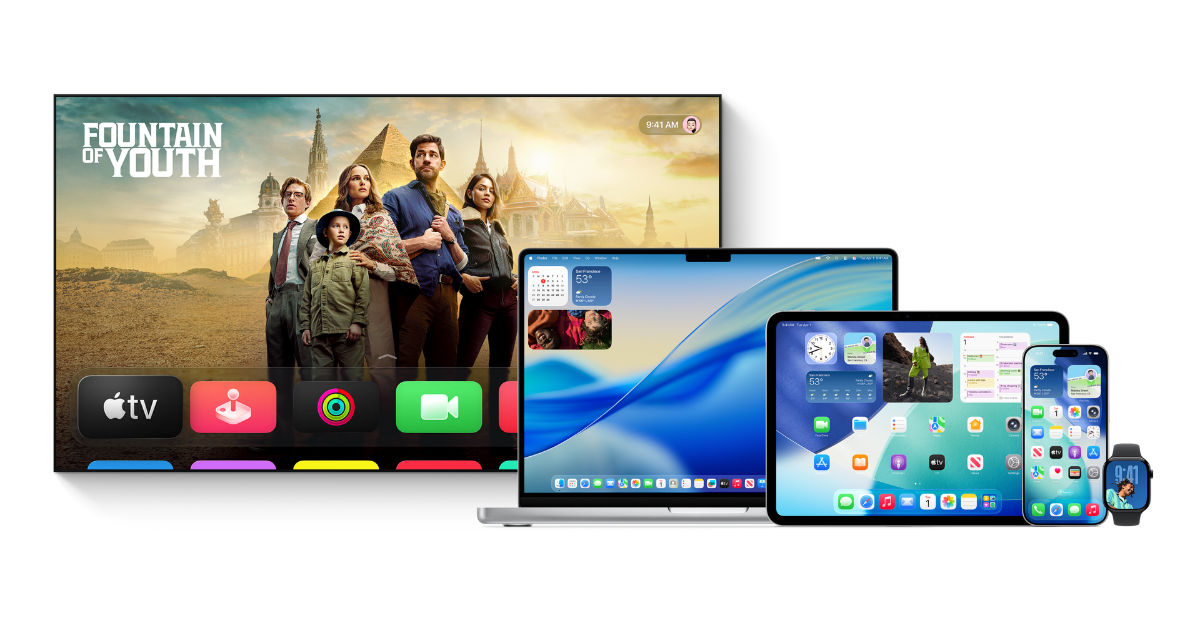
The most visible change—and perhaps the one you’ll notice immediately—is Liquid Glass. That’s what Apple is calling the gorgeous new design language spreading across iOS 26, iPadOS 26, macOS Tahoe 26, watchOS 26, and tvOS 26.
Imagine something sleek, slightly translucent, and fluid (like frosted glass had a baby with ambient light). Every app, widget, button, and bit of UI now feels more alive, expressive, and somehow easier to focus on. It’s fresh without being jarring. Familiar, but clearly from the future.
And for once, the software version numbers are finally aligned across all devices. No more guessing what macOS you’re on versus iOS or watchOS. It’s all 26 now, signifying the upcoming year (2026 in this case). Clean.
2. Apple Intelligence gets smarter (and more useful)
Apple Intelligence has been hanging around for a while now, but in 2025, it’s finally starting to feel a little more complete.
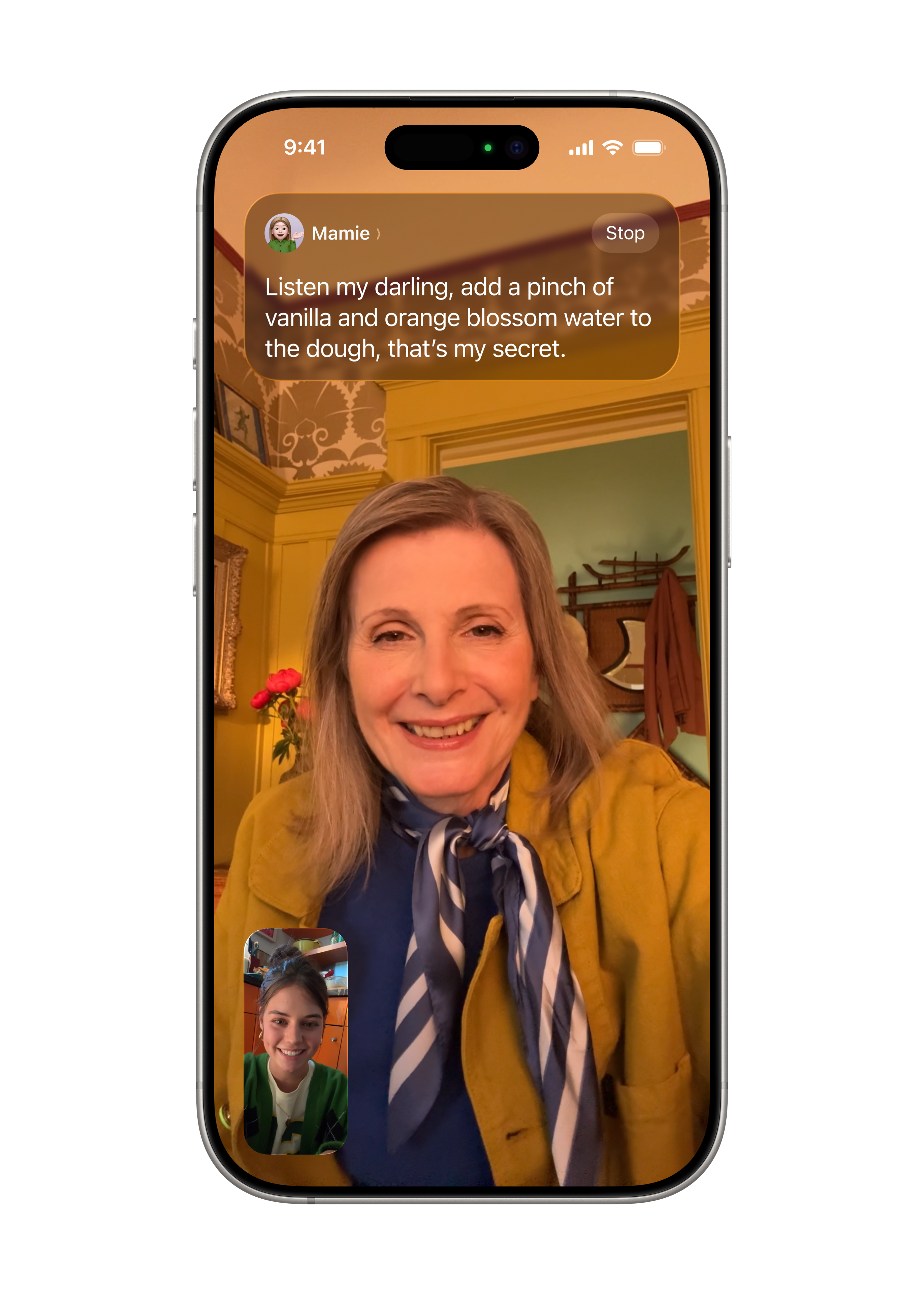
The new standout feature is Live Translation, which basically provides subtitles IRL. Whether you’re texting someone overseas or navigating a conversation in person, your iPhone, iPad, or even Apple Watch can now translate in real time.
But the coolest party trick might be Visual Intelligence. You can now ask ChatGPT or search platforms like Google or Etsy for more info on literally anything on your screen.
3. iPhone and Mac are besties attached at the hip now
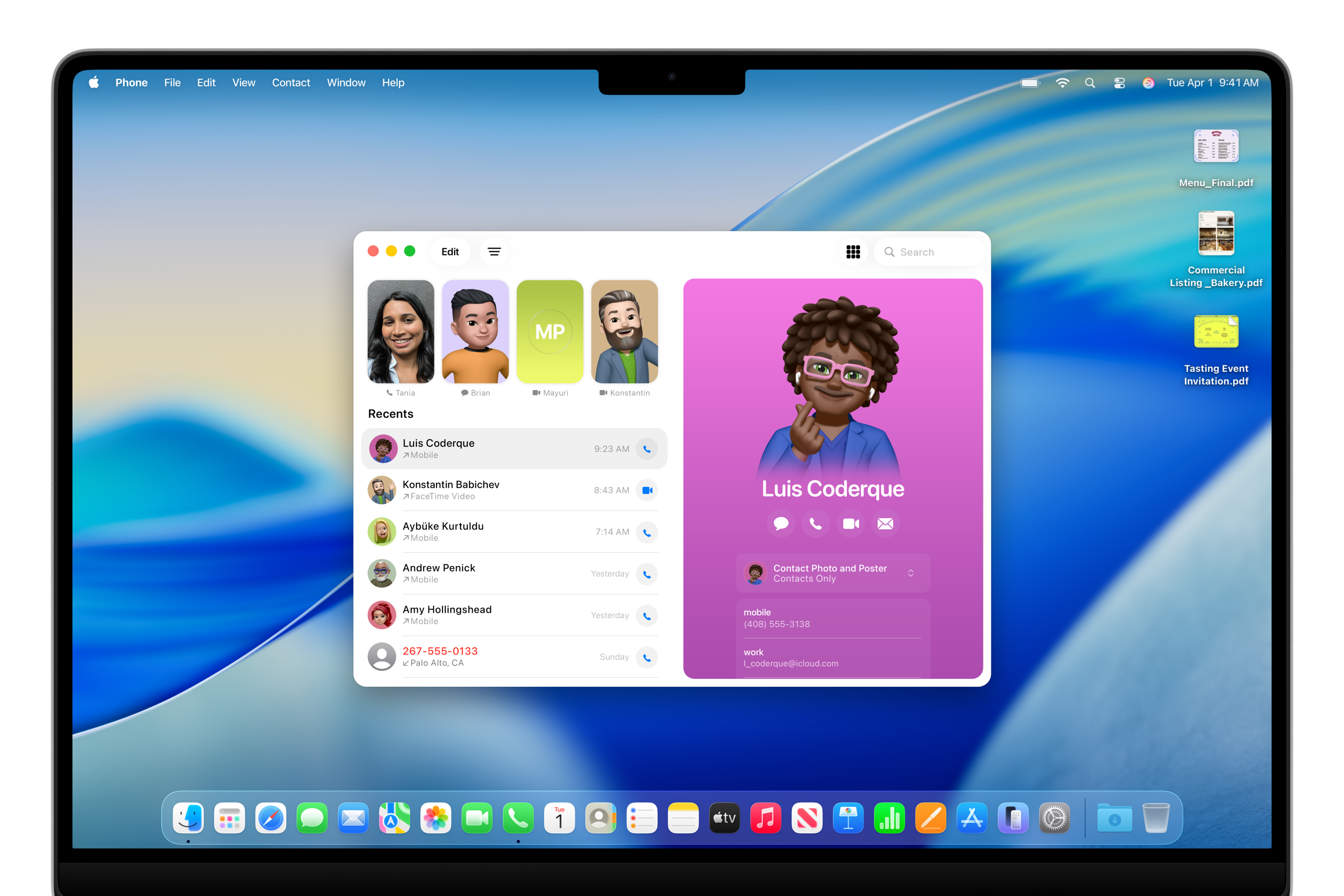
The iPhone’s Phone app has received quite a glow-up. Favourites, recents, and voicemails are all now in one clean interface. Unknown number? Call Screening can intercept it, ask who’s calling, and give you a brief so you can decide whether to pick up or ghost.
Messages are also smarter, now with message screening for unknowns, custom backgrounds for your conversations (finally), and polls for those indecisive group chats.
And in a nice bonus, the Phone app now lives on Mac too. Plus, Live Activities from your iPhone can pop up on your Mac, so you can track your food delivery without pulling your phone out of your pocket. That’s the kind of lazy this writer lives for.
4. Your iPad will feel even more like a Mac than before
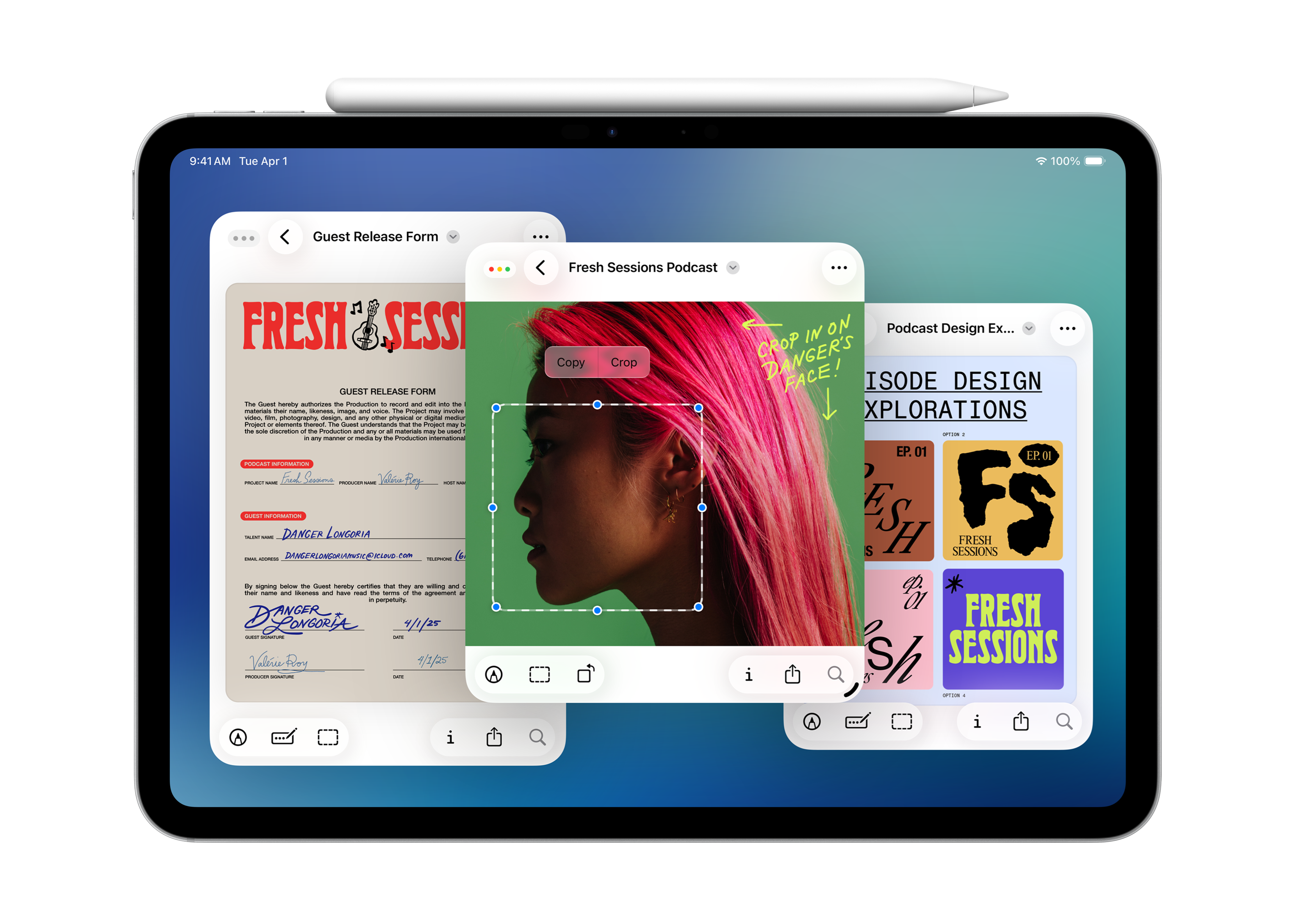
With iPadOS 26, your trusty tablet can finally feel like a useful extension of your laptop. It’s got a new windowing system that lets you resize, move, and stack apps like you would on a desktop.
Even the Files app is more intuitive now, with better views, dock access, colour-coded folders, and even emoji. For once, using your iPad on the go and leaving your MacBook at home might actually be a fuss-free experience.
5. watchOS 26 gives your Apple Watch more purpose, more wisdom

Apple Watch users can say hello to Workout Buddy, which is basically a personal trainer with a surprisingly pleasant voice, offering real-time encouragement while you try to reach your personal fitness goals.
The Messages app got smarter here too (yes, with translation), and there’s a new wrist flick gesture that lets you dismiss notifications with one smooth motion.
Also, the Notes app now lives on your watch. About time. Now I can just look at my wrist when I’m out shopping for groceries.
6. AirPods just became a more important tool for creators
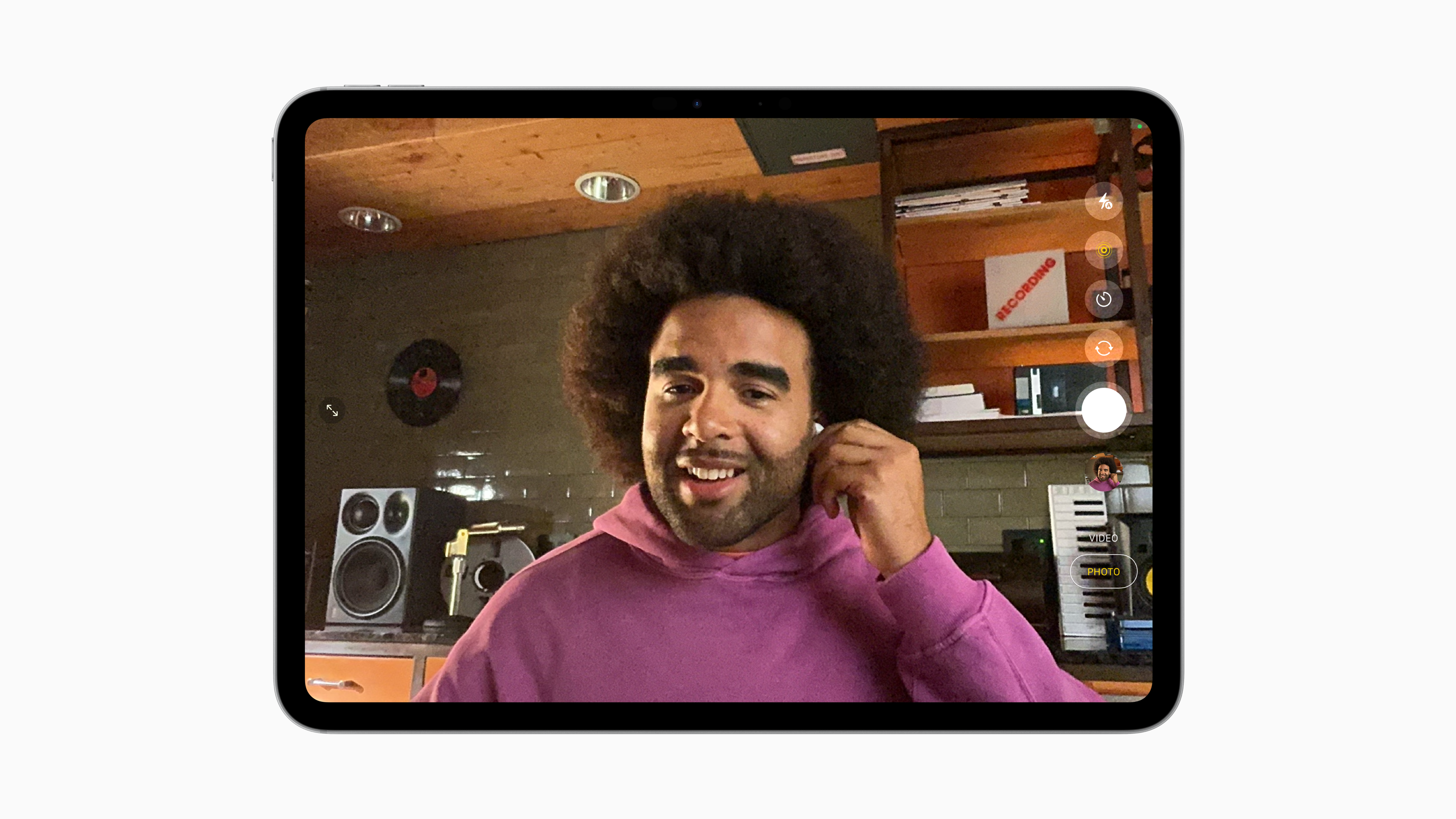
Thanks to Voice Isolation, you can use your AirPods to record studio-quality audio, even in loud and chaotic places.
You can also squeeze the stem of one your AirPods to start or stop your iPhone camera. Perfect for solo creators or folks who forgot their tripods. It’s a neat (and definitely nifty) camera trick, if you ask me.
7. Show off how good (or awful) your singing is with tvOS 26
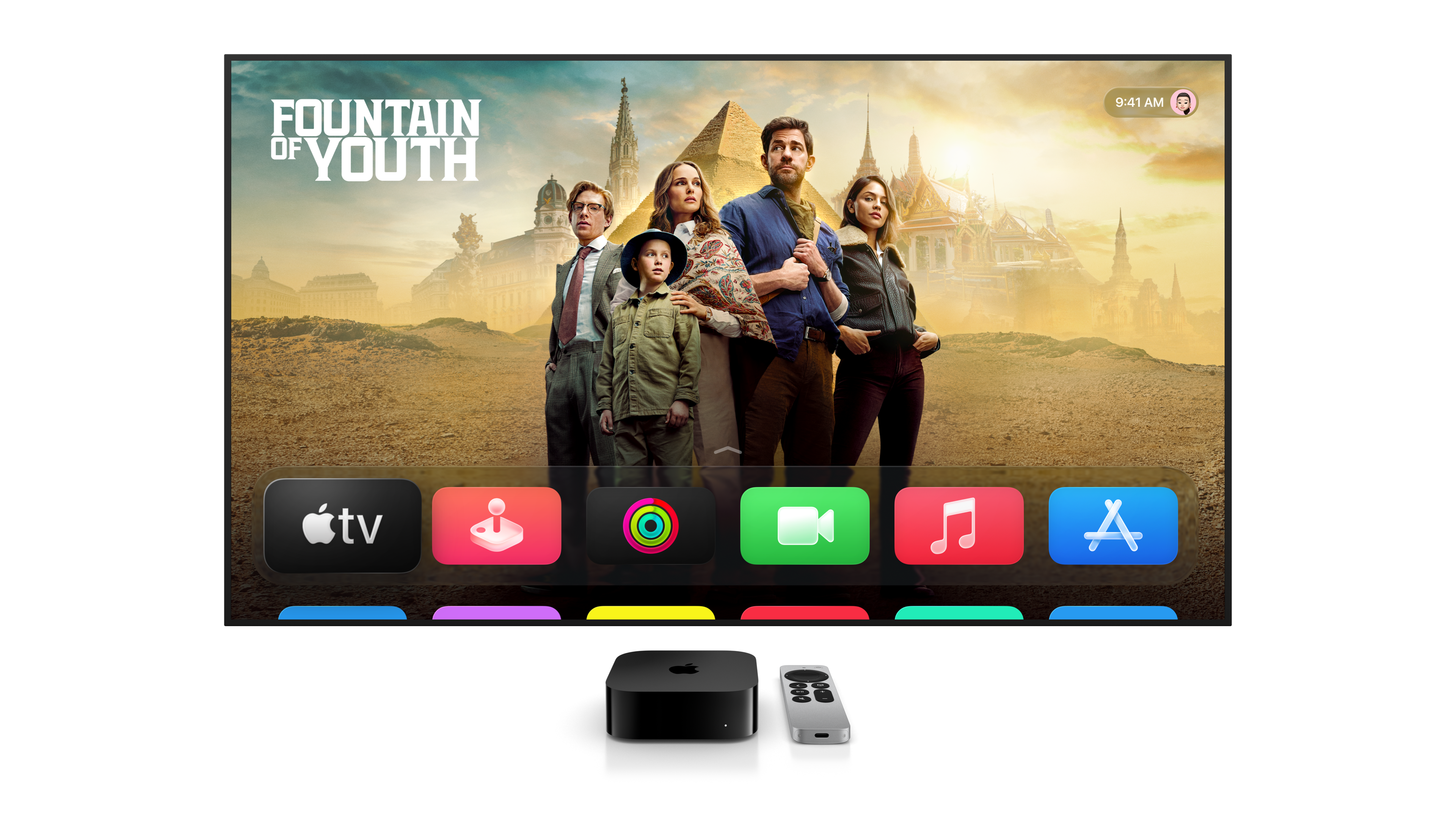
tvOS 26 can turn your Apple TV into a karaoke machine, using your iPhone as a mic, amplifying your voice through the TV.
Whether that’s a good or bad thing solely depends on your pitch. But we can definitely see this becoming useful at parties or solo karaoke sessions.
WWDC 2025 has given us a peek at the next big leap
With Apple doubling down on intelligence, fluid design, and its device ecosystem, everything just feels more cohesive, more personalised, and perhaps… more fun?
Whether you’re a power user or just someone who wants their tech to work a little better (and look a little prettier), this year’s updates—arriving in September—give us a lot to look forward to.
For more tech news, head to JUICE Malaysia.
Read more:

What Your Car Type Says About You: Malaysian Edition
Whether you love practicality and value for money, or you prefer something with a little more oomph and flash, your car says a lot about you.

Scientists Think Robot Vacuums Are Lazy & Need New Jobs
Don’t just let it be the world’s most expensive automatic broom. Give it a gig. Teach it a new trick. Or at the very least, make it carry your snacks.

Robots Run Half-Marathon & Get Absolutely Smoked by Humans
Will humanoid robots become our overlords someday? Sure. Will it be any time soon? If this half-marathon is of any indication, probably not.