
 Get Audio+
 Hot FM
 Kool 101
 Eight FM
 Fly FM
 Molek FM
The ASUS Zenbook S 14 Proves That Form & Function Go Hand-in-Hand
 Thirsty for JUICE content? Quench your cravings on our Facebook, Instagram, TikTok and WhatsApp
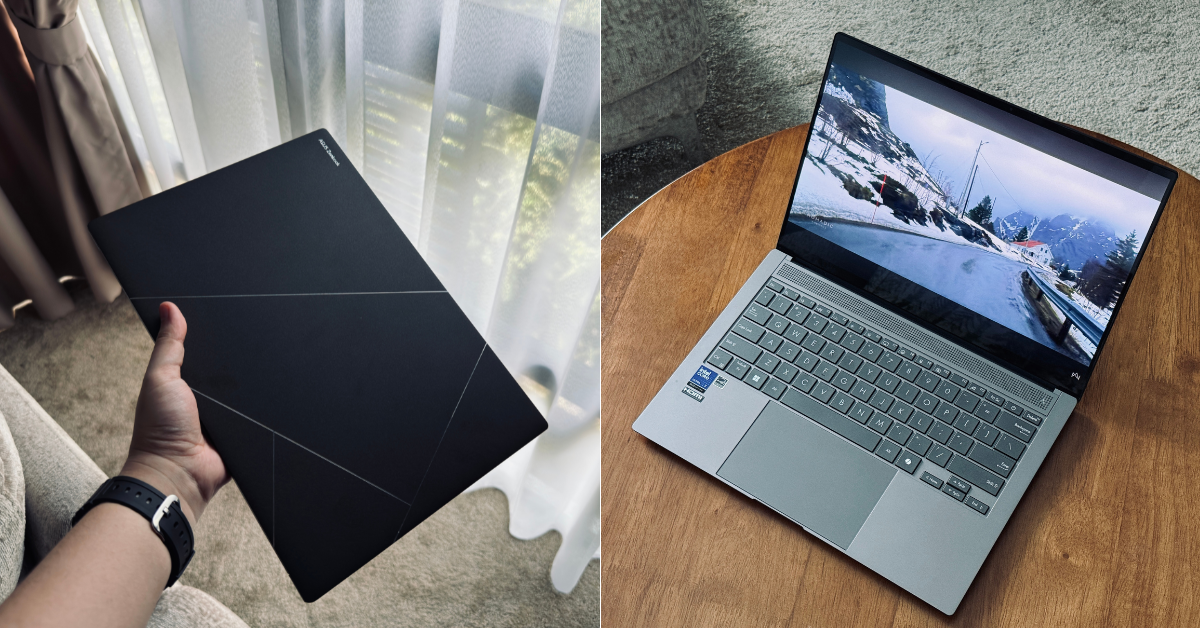
We don’t normally talk about laptops in the same breath as fashion, but this writer is willing to make an exception for the ASUS Zenbook S 14.
This isn’t the type of machine you’d buy just to crunch numbers on spreadsheets or endlessly doomscroll your life away (though, it’ll let you do these things perfectly).
First impressions are stellar
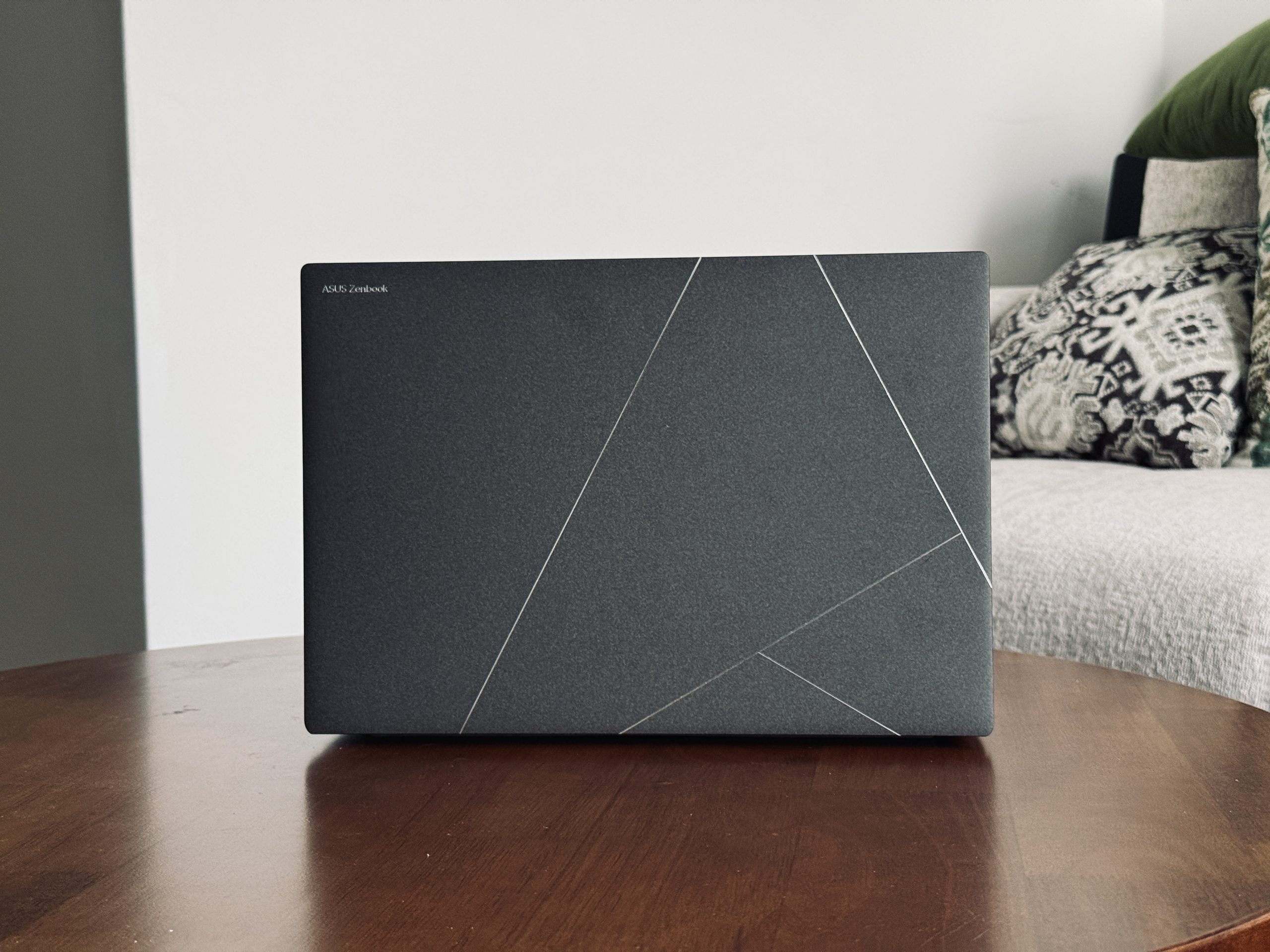
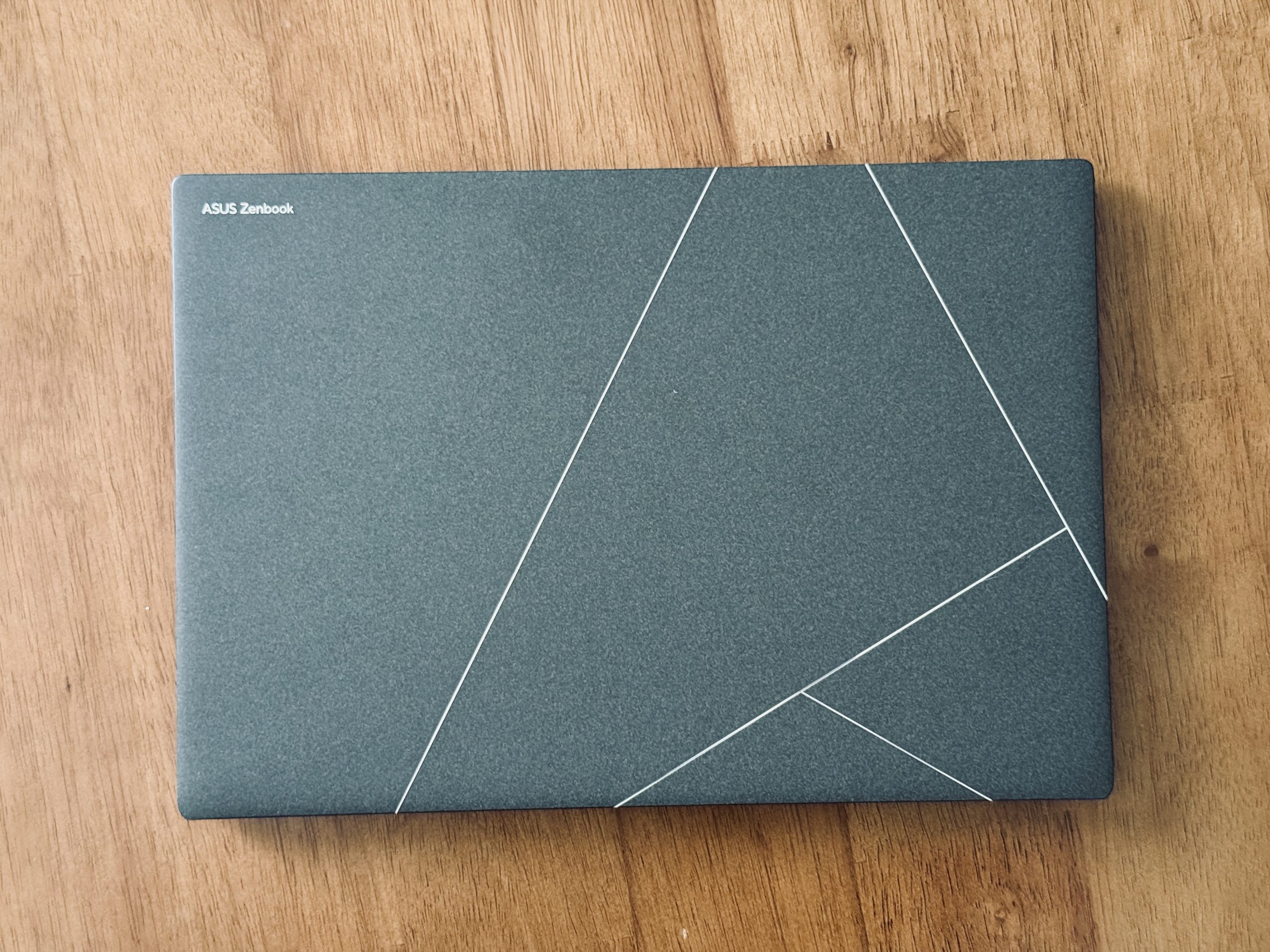
At first glance, the Zenbook S 14 certainly ticks all the boxes. The lid features a reflective kintsugi-inspired pattern that glimmers under the right lighting.
The rest of the case is coated in what ASUS calls “Ceraluminum”, which feels really sturdy, with little to no flex. In hand, it kind of feels like ceramic. Plus, the matte surface also means that it’s fingerprint and smudge resistant, even with clammy hands like mine.
All things considered, the laptop is impressively slim, light, and looks pretty good sitting on a café table. But the Zenbook S 14 is more than just a looker, of course.
A screen that steals the show
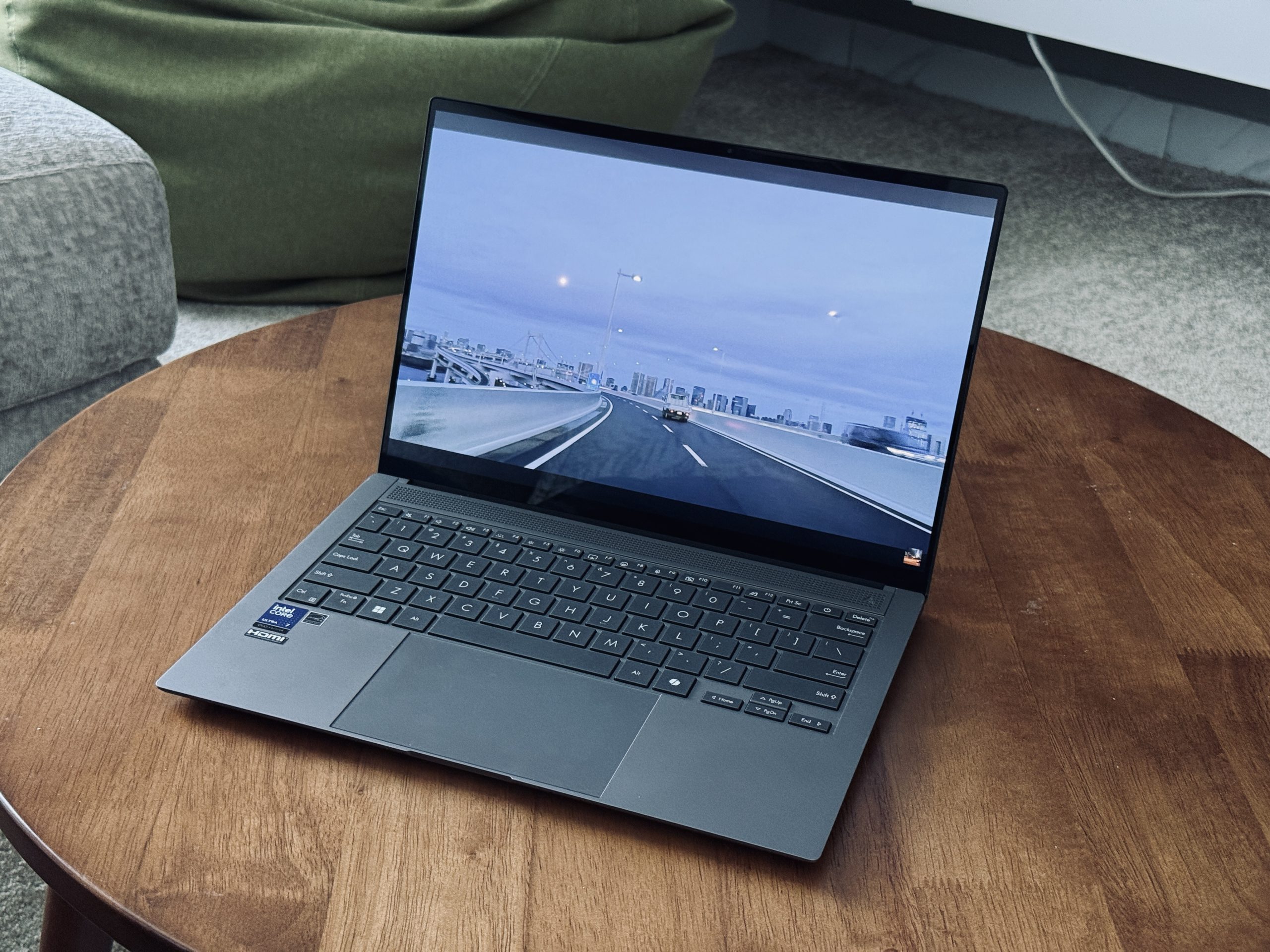
The big talking point here is the OLED display. At 14 inches with a 2880×1800 resolution, it’s ridiculously vibrant and crisp, which makes it perfect for your weekend-long movie binges, creative work, as well as casual everyday scrolling.
Colours pop, blacks are properly black, and HDR content looks superb.
But there’s a catch: Windows ships the laptop with a scaling setting that makes everything look and feel just a little bit oversized. This isn’t great if you normally work with multiple windows open.
It’s certainly not a dealbreaker, though. You can just tweak this in the settings, and you’re good to go. But this writer thought it was worth noting if you’re more productivity-minded.
Performance and everyday use are much better than expected for a laptop this thin
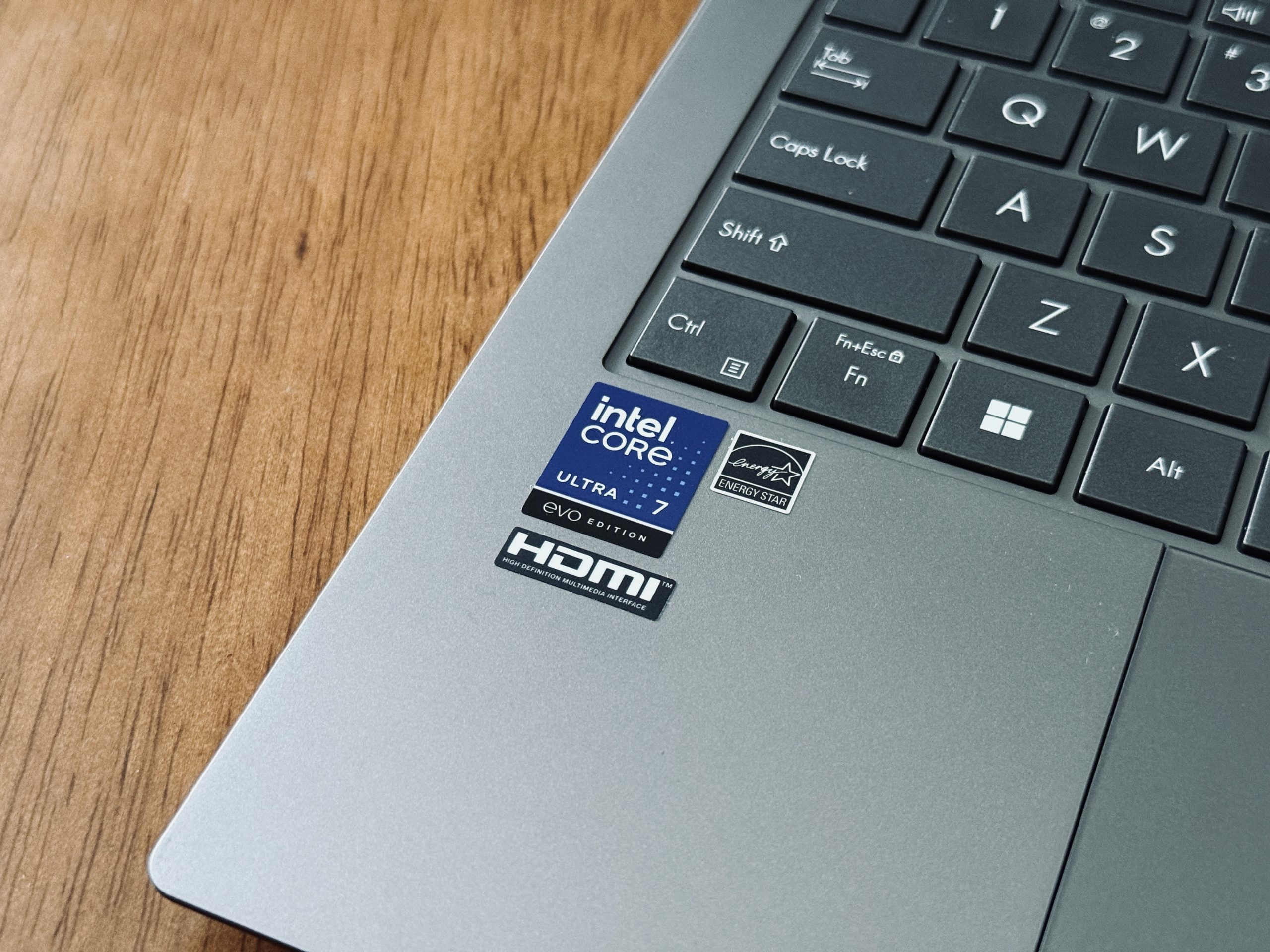
Inside, you get Intel’s new Core Ultra 200V chip, which is paired with integrated Arc graphics. For a thin and light laptop, performance is surprisingly strong.
While I wouldn’t exactly call it a multitasking beast, it can certainly hold its own when it comes to editing heavy videos on Capcut (I know, I’m not a video editor or anything of that sort), while simultaneously streaming a film on Netflix and other platforms.
I did run it through my own real-world stress test (none of those ludicrous benchmarking tests other people do) to get a feel of how much this laptop can take in an average day’s use.
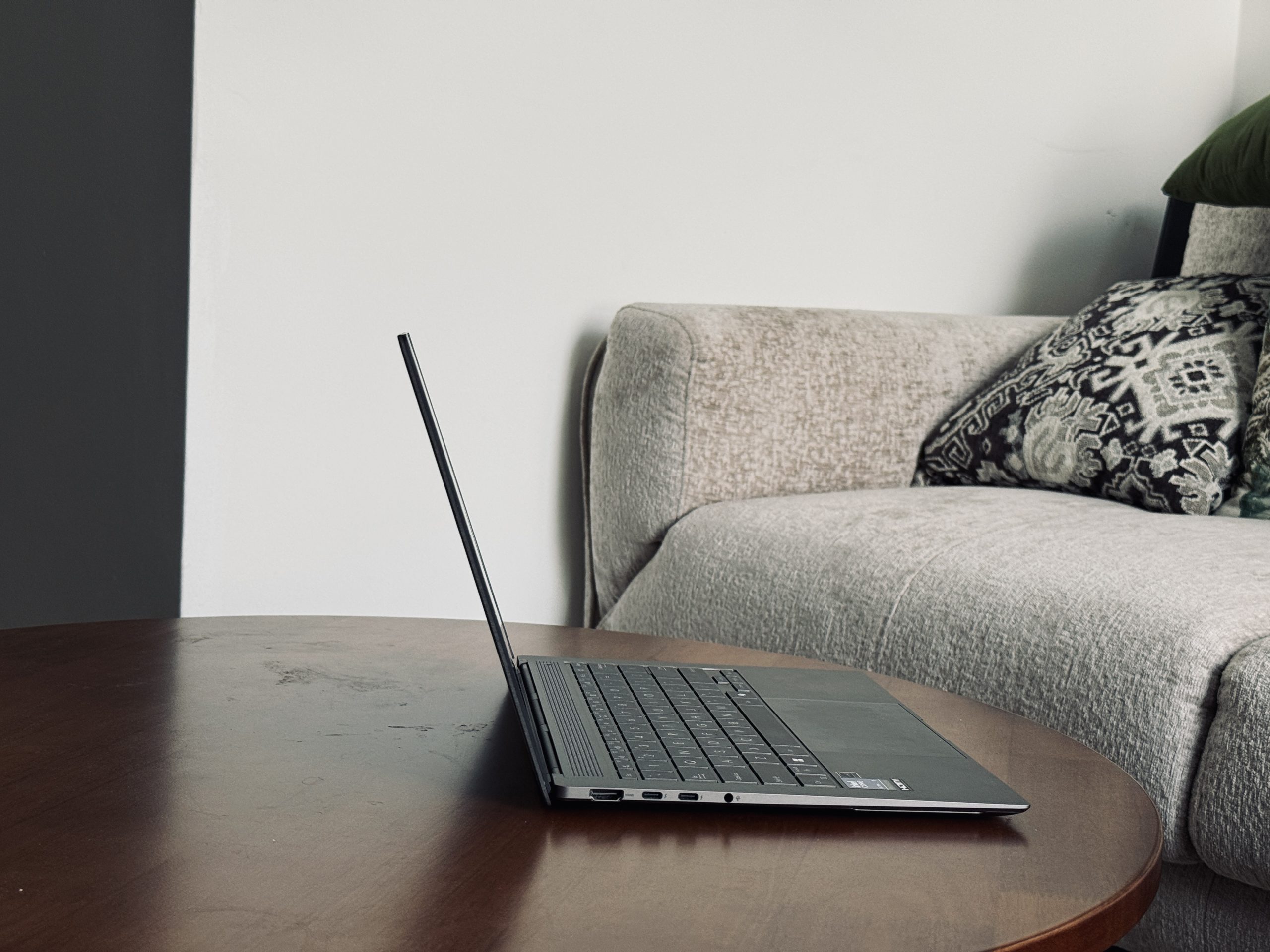
I put in a healthy number of video streaming hours (an entire weekend), and I had about 12 tabs open on Google Chrome, some of which included videos on YouTube at max resolution. Suffice it to say, the Zenbook S 14 handled it all like a champ.
I even tried some light gaming at modest settings, and I didn’t feel like I was getting a subpar experience at all. But I wouldn’t recommend running a dozen apps simultaneously. In reality, what normal person would, anyway?
With that said, performance does take a slight dip when the laptop is running on battery power alone. It’s still very smooth, but you’ll notice apps open in a less snappy manner compared to when it’s plugged into its charger.
The Zenbook S 14’s battery life itself is rather impressive, though, so you’re not going to be scrambling for a charger halfway through a workday.
Sound quality packs a punch, while the typing experience is just okay
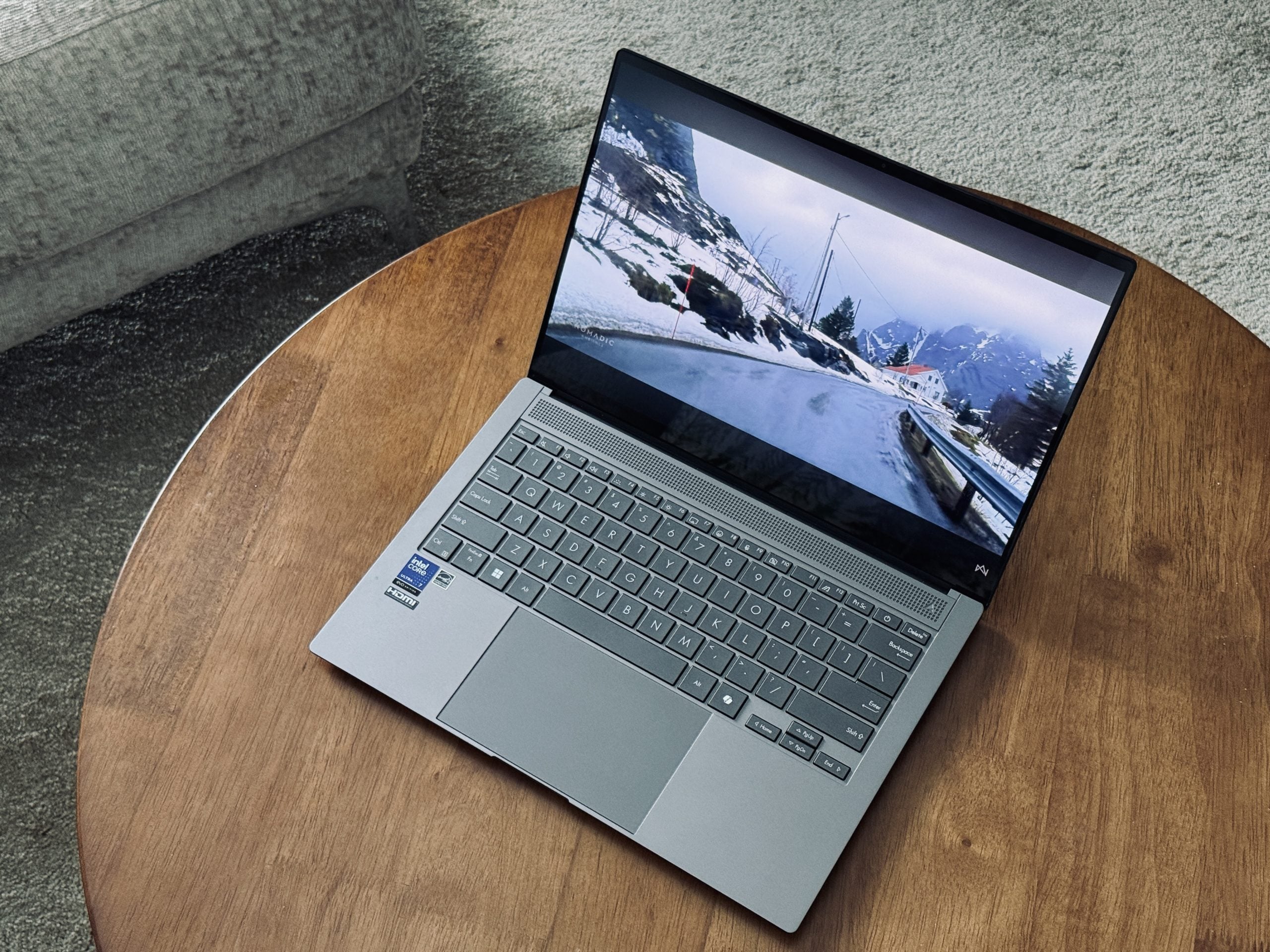
Laptops this thin rarely impress when it comes to speakers, but ASUS has done pretty well here.
While the bass isn’t quite there (as expected), the mids and highs are crystal clear, and the volume gets surprisingly loud without any distortion. Pair that with decent spatial audio and you’ve got a machine that handles movie nights respectably without headphones.
Typing is equally solid, though I wish there was more tactile feedback with each keystroke. But it’s a chiclet-style keyboard after all, so you can’t expect mechanical keyboard-quality out of it.
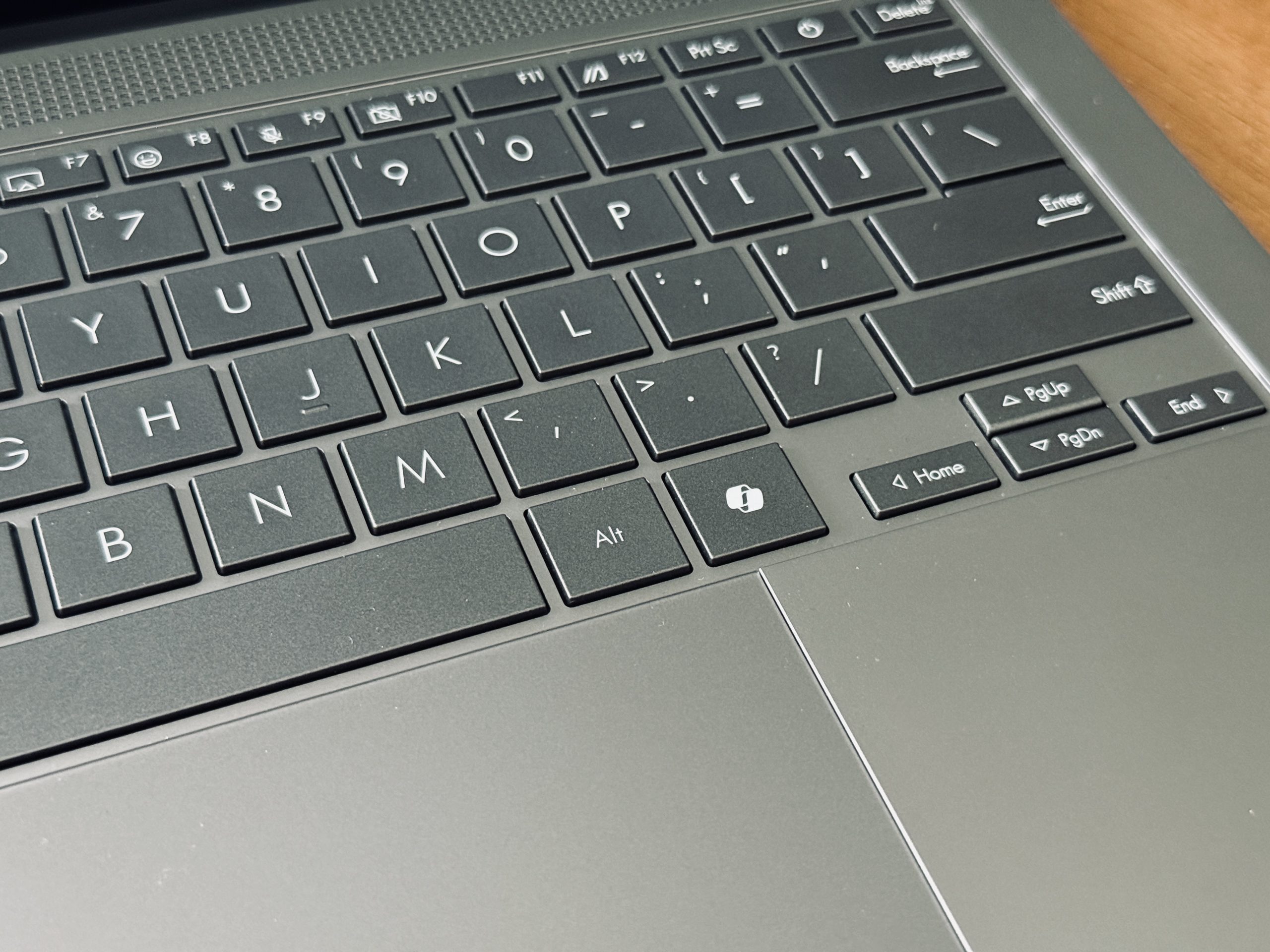
Being the nerd that I am, I tried my hand at a typing test, and still managed to retain an average of 120 words per minute at 100% accuracy. Okay, now I’m gloating.
The keyboard is certainly not revolutionary, but it’s definitely crisp, firm enough for most users, and more than comfortable enough for long writing sessions.
Plus, the trackpad’s built-in controls for volume, brightness, and media scrolling are pretty handy shortcuts that make life just a little bit easier.
Connectivity and storage are decent, but might not be enough for power users
The Zenbook S 14 features a decent array of ports: two Thunderbolt 4, one HDMI, one USB-A, and a 3.5mm headphone jack. For most people, this is more than enough to work with.
But if you use a lot of peripherals, you might find yourself short on options here. A dock (or dongle) can easily solve that, but it’s an extra cost on top of an already premium laptop.
In terms of storage, the review unit I was given came with 512GB of SSD space. It’s not the flagship 1TB spec, but for students, writers, and everyday users, 512GB is ample.
If you regularly deal with large media files, however, you may find yourself reaching for an external drive sooner rather than later. But then again, the 1TB SSD spec is always an option if you’ve got the cash.
Who is the ASUS Zenbook S 14 for?
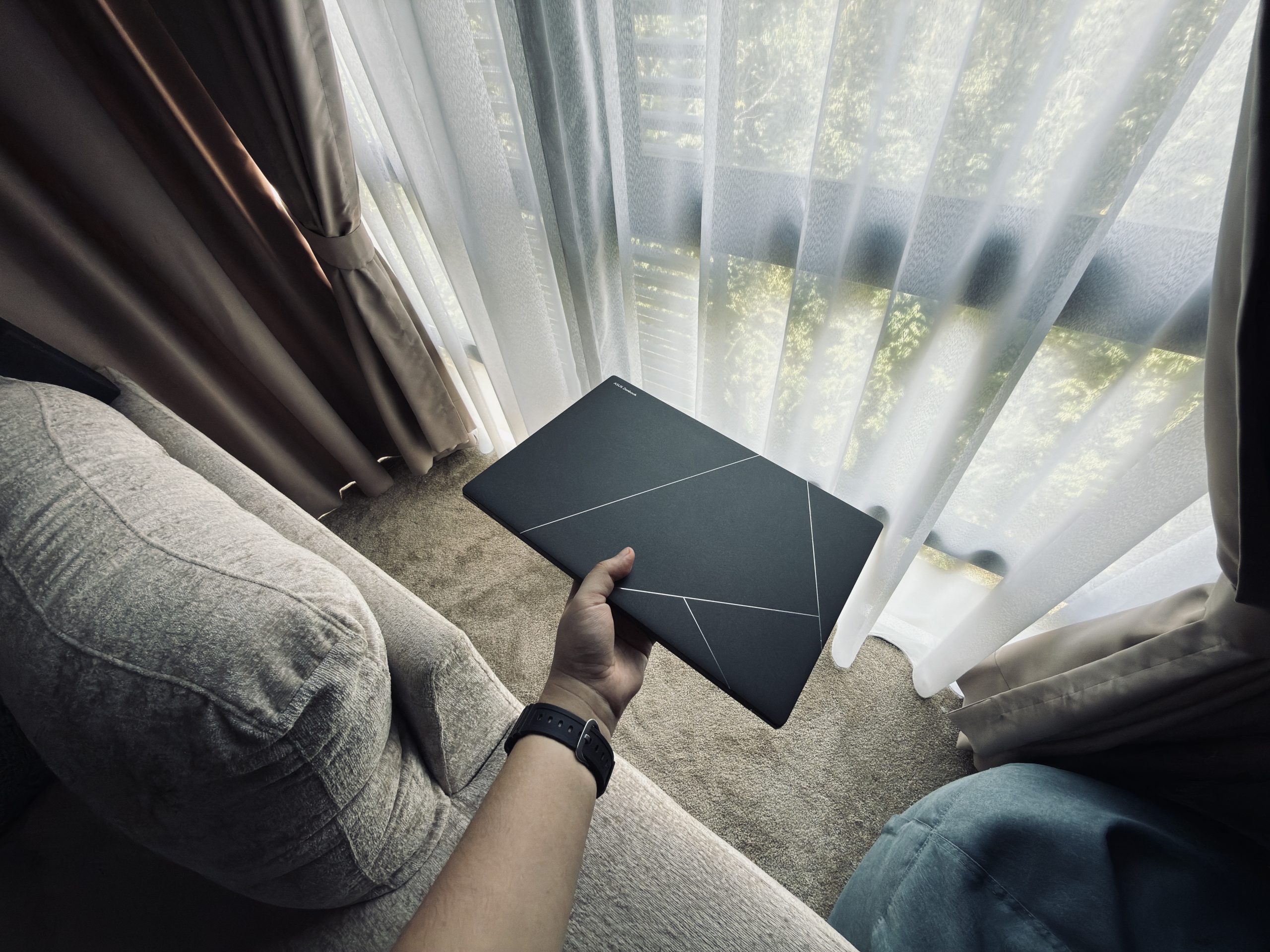
The Zenbook S 14 is a laptop with a lot of charm and personality. Creatives will love its screen for visuals, students will appreciate its lightweight design for on-the-go portability, and professionals will have something stylish but still very practical.
Heavy gamers and power users, on the other hand, might be underwhelmed by its port selection and lack of raw muscle.
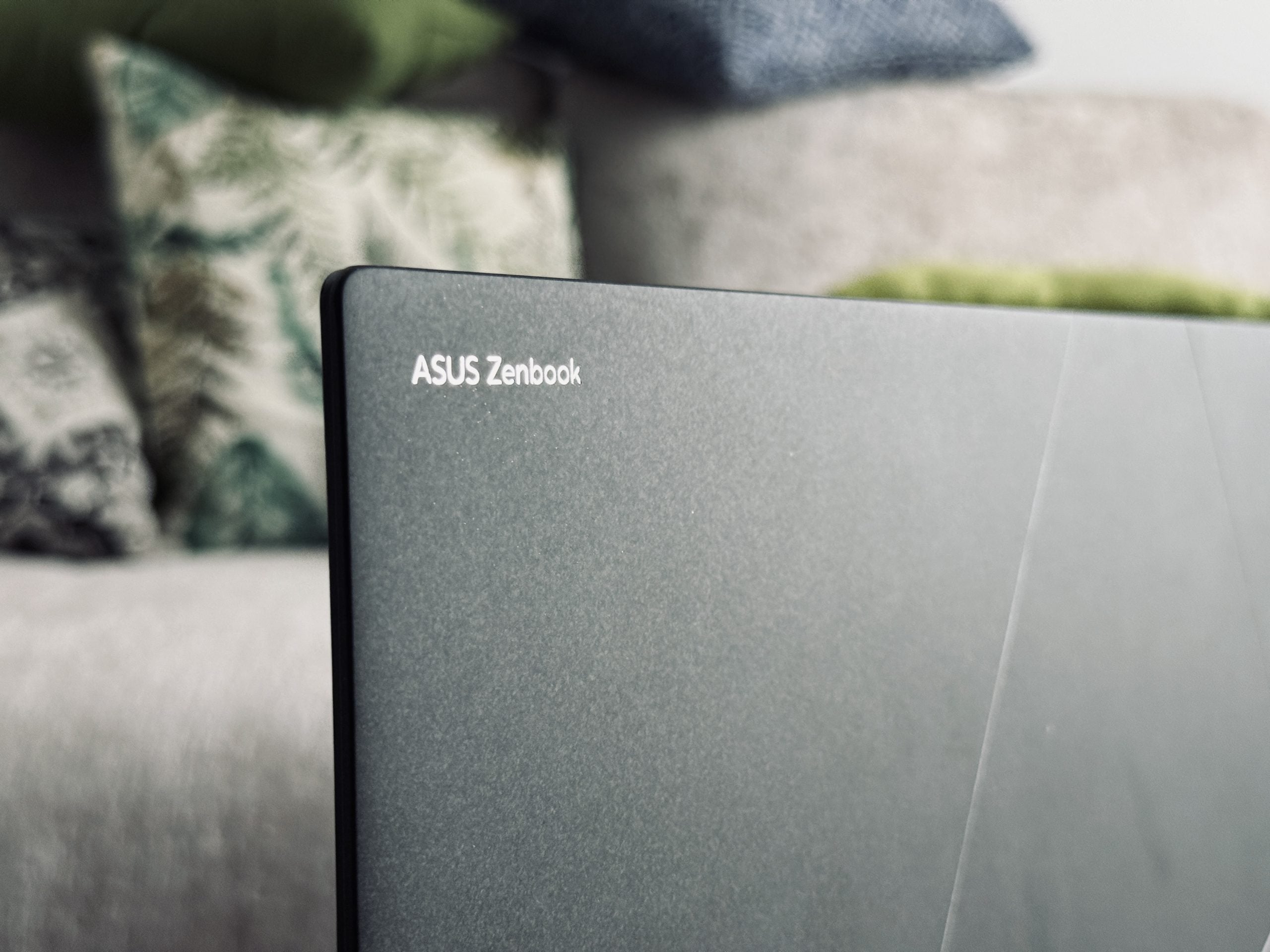
Starting at RM6,999, the ASUS Zenbook S 14 is certainly not cheap. You’re paying partly for style, partly for portability, and partly for that gorgeous OLED screen. If those are things you care about most, it’s an excellent choice.
But if you’re after maximum power, upgradeablity, and ports galore, this might not be the right fit for you.
This laptop isn’t for everyone, but for those who want their tech to look as good as it performs day-to-day, the Zenbook S 14 makes a very strong case.
For more tech, head to JUICE Malaysia.

Read more here:
New Proton X50 Is More M’sian Than Ever With BM Voice Command
The all-new X50 is Proton’s most polished and progressive SUV to date, and more importantly, it feels like a car made for Malaysians.

Dyson’s OnTrac Headphones Are Like Airwraps for Your Ears
If you’re a design nerd or just someone who wants headphones that feel like a Dyson Airwrap for your ears, the OnTrac might just suck you in.
The SuperStation One Is a 21st-Century Love Letter to Retro Games of the ’90s
Ever wondered what the PlayStation One would’ve looked like if it was made in the 2020s? Retro Remake might have the answer.