
 Get Audio+
 Hot FM
 Kool 101
 Eight FM
 Fly FM
 Molek FM
7 iPhone Tips To Make Your Raya Celebration ‘Lagi Best’
 Thirsty for JUICE content? Quench your cravings on our Facebook, Instagram, TikTok and WhatsApp
Hari Raya is all about family, food, and festivity! Whether you’re hosting a rumah terbuka or just enjoying time with loved ones, your iPhone (especially with iOS 18 and Apple Intelligence) can help make your celebrations even more special.
Here are some tips to level up your Raya experience.
1. Seamless recording for better transitions
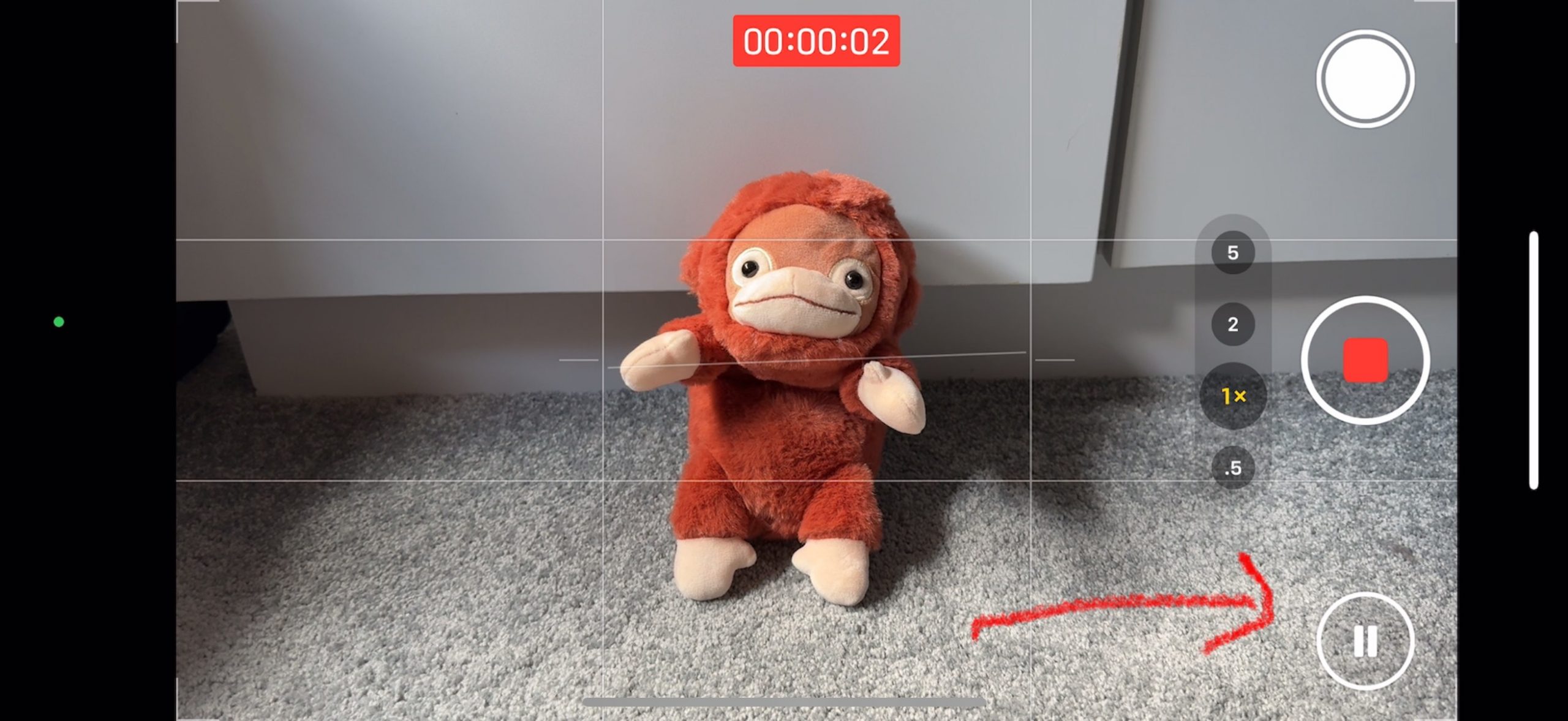
If you want to create smooth, aesthetic Raya videos without the hassle of editing, it’s pretty easy. While recording a video in the Camera app, simply tap Pause to stop and Resume to continue.
Doing this will let you capture multiple clips—like your OOTD transitions, decor reveals, or surprise moments—all in one go. No more messy cuts, just seamless memories!
2. Keep your open house organised with Apple Invites

Organising an open house can be chaotic, especially when you’re managing RSVPs. With Apple Invites, you can create and share invites, track RSVPs, and even curate a Raya playlist on Apple Music to set the mood.
Plus, guests can add their own Raya photos to a Shared Album—so everyone’s memories are in one place! Oh, and the app also works for people who don’t have an iPhone, so no one’s excluded.
3. Match your iPhone to your baju raya
You spent a long time getting your baju raya just right. So what’s the harm in matching your iPhone with it to complete your broader aesthetic?
With iOS 18’s Home Screen customisation, you can:
✅ Change the colour and tone of app icons to match your baju raya (tap and hold on your home screen, tap Edit, and select Customise)
✅ Set a festive lock screen wallpaper
✅ Add custom widgets that suit the Raya vibe (like a Reminder widget for last-minute Raya tasks)
4. Capture Raya moments instantly with the Action Button or Camera Control
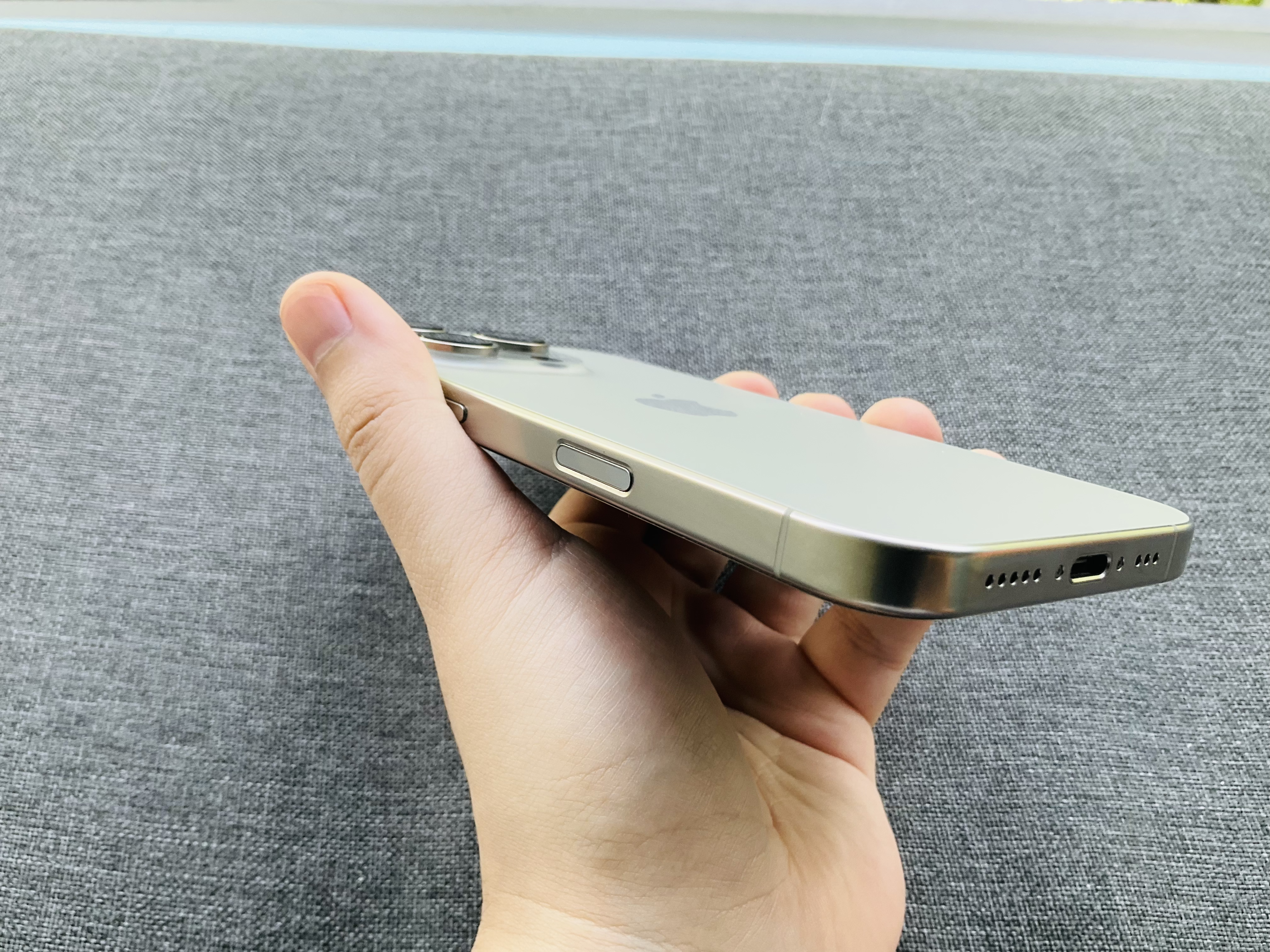
You don’t need to fumble with your phone when capturing candid moments. If you’ve got an iPhone 15 Pro (Max) or newer, you can map the Action Button to instantly open the Camera app and start recording.
This applies to the entire iPhone 16 lineup as well, but we’d say Camera Control is a better option if you’ve got the latest iPhone (excluding the iPhone 16e).
5. Instantly clean up your Raya photos with a few taps

Sometimes we can’t control what gets captured in a photo, especially when a random uncle ends up photobombing your group picture. But iOS 18 lets you “Clean Up” your photos with a few taps. Just look at what’s missing in the before and after photos above.
To access this feature, select a photo in your Photos app, tap the edit icon (three sliders), and select Clean Up.
Pretty neat.
6. Lock or hide apps for extra privacy
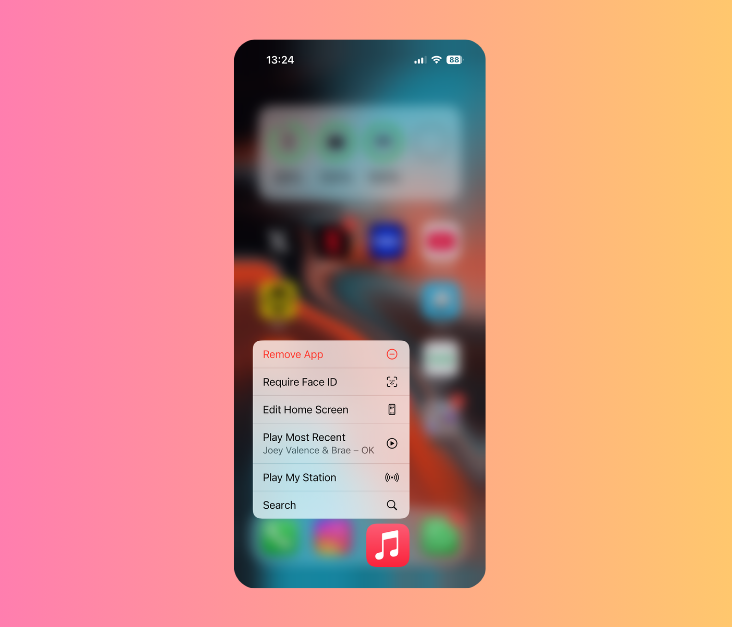
Passing your phone to a cousin for gaming or showing your grandma some photos? With iOS 18, you can lock or hide apps like your banking app or personal messages.
This means no more “Eh, what’s this?” moments when someone accidentally (or intentionally) snoops through your phone. Just enable Face ID, Touch ID, or a passcode for access.
7. Use Math Notes to keep your Raya expenses in check
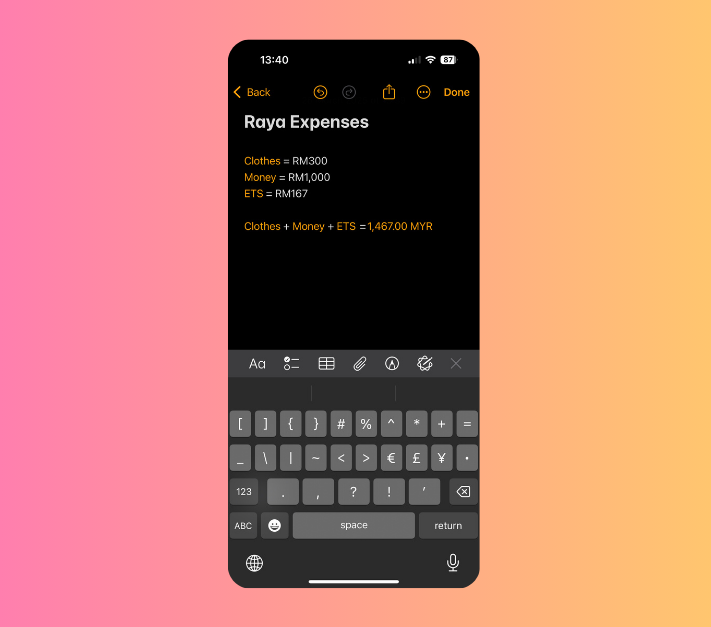
Beyond Raya, you should already be financially responsible and keep track of your finances. We get it, sometimes all this planning can get really hectic, and you begin to lose track of just how much money you’re spending.
But using Math Notes in the Calculator app lets you list down your expenses in a straightforward manner. It’ll even calculate everything for you. Unfortunately it won’t take away your adult duties in giving out duit Raya.
To access it, just head to the Calculator app, tap the calculator button on the bottom left, and hit Math Notes.
JUICE wishes you Selamat Hari Raya!
For more tech stories, head to JUICE Malaysia.

Read more here:

Malaysia Stores Rice, Eggplant & Longbean Seeds in Norway’s -18ºC ‘Doomsday Vault’
The Svalbard Global Seed Vault (aka ‘Doomsday Vault’) has a constant temperature of -18ºC, making it the world’s ultimate insurance policy for genetic resources.
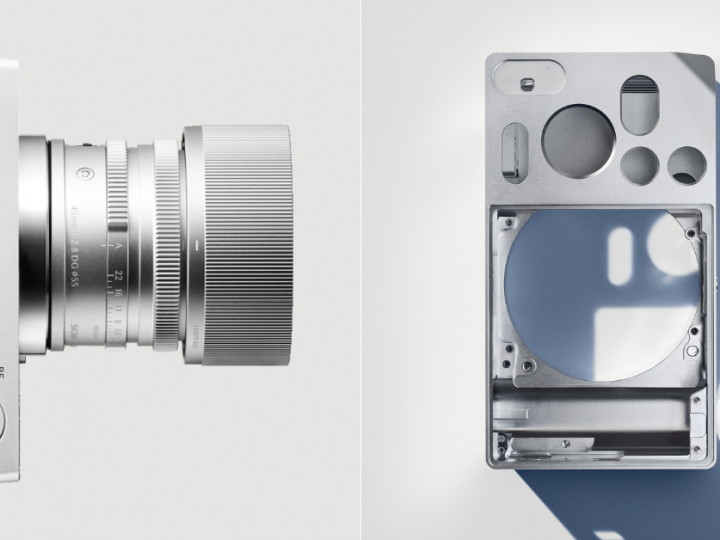
The Sigma BF Is an Ultra-Minimalist Camera That Only Focuses on the Essentials
Some would even say it’s what Apple would probably make (or something extremely similar) if they were in the camera business.
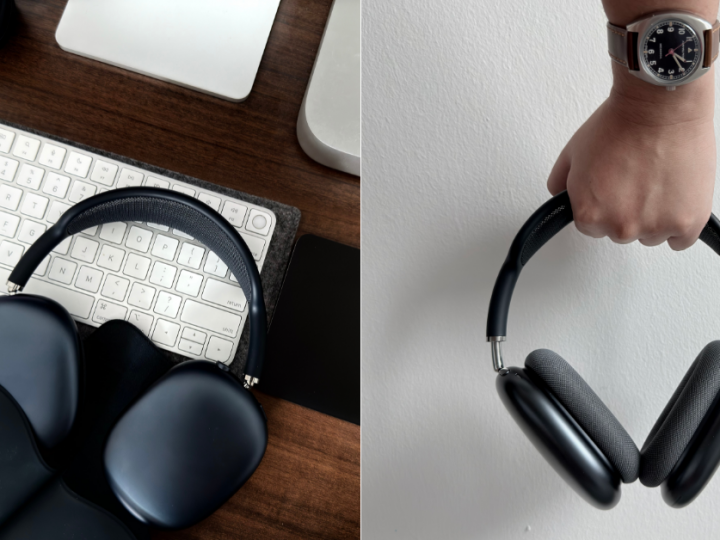
AirPods Max (USB-C) Review: An Incremental Update at Best… Yet Hard to Put Down
Despite their success, the AirPods Max haven’t seen any significant updates—until now. It begs the question, are they still worth it with the addition of USB-C?